Team Members and Roles
Folio Anywhere has three roles, each with a different level of access.
Owner
Full control: the owner is the only one who can close or reopen the business, edit the business profile, upload a logo, manage the PDF import key, turn the card-on-file setting on or off, and delete the account. The owner also has every permission below. Every business has exactly one owner.
Super user
Every owner permission except the owner-only items listed above: refunds, managing the team, payment provider settings, plan and billing, the ID verification add-on, charging or removing cards on file, deleting and restoring folios, and viewing ID verification documents are all included.
User (staff)
Can create, send, and edit drafts of folios, add charges to them, collect payment on them, and request ID verification. Cannot issue refunds or manage the team, and cannot open Business settings (Payments, Business, Team, Communication) at all.
How many team members can I have?
- Free: 1 user per company
- Pro: up to 5 active users
- Enterprise: unlimited users
Seeing and managing your team
Your team lives in your Hughes Software account, alongside any other businesses you belong to. In Folio Anywhere, an owner or super user can see who is on the team from Settings, Team. The list shows each person’s name or email, their role, and their status.
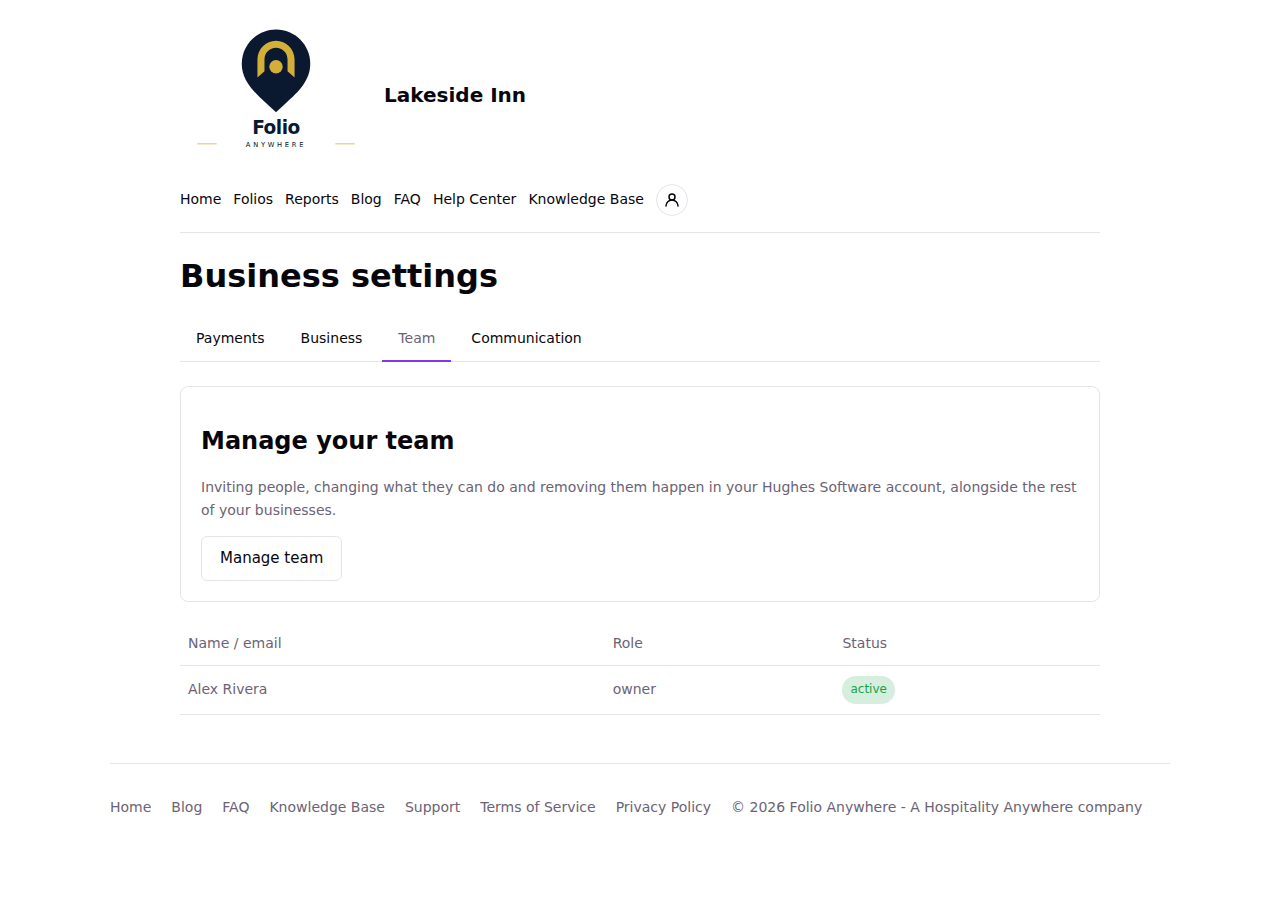
To make changes, click “Manage team”. It opens your business’s page in your Hughes Software account, where you invite people, change their roles, remove them, and transfer ownership.
Status badges show whether someone is invited, active, removed, or has no seat on plan. “No seat on plan” means the person is on your team but your plan has no room left for them, so they cannot use Folio Anywhere yet. The Team tab then shows a notice with an “Upgrade plan” button: upgrade the plan, or remove someone, to give them a place.